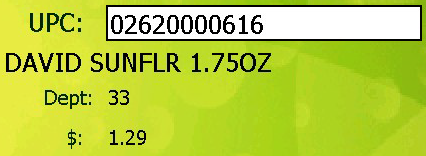
Scan item you are counting. You will hear a beep and the UPC field will fill when you receive a successful scan. A description, department and price will also display and the app will be waiting in the Quantity field. If you see a UPC number but no other information that could mean 3 possible things.:
2. This is a new item and is not yet in My Pricebook. You can continue and update this product's description and department when you import this audit.
3. Your hand held is not reading the UPC codes properly. Please contact support to help calibrate your hand held device. This is not likely but can be an issue.
If you want to edit or remove an item in this audit, tap on the item you want to change and the line will highlight in blue, then tap Edit item. The app will take you to screen and you can change the quantity or tap to delete the item from this audit.













 and will be filled with all the items you entered.
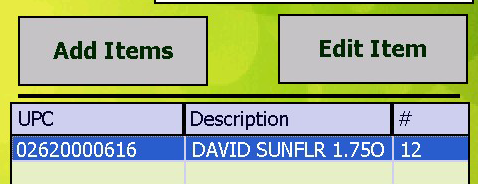
 and you can change the quantity or tap
  to delete the item from this audit.


