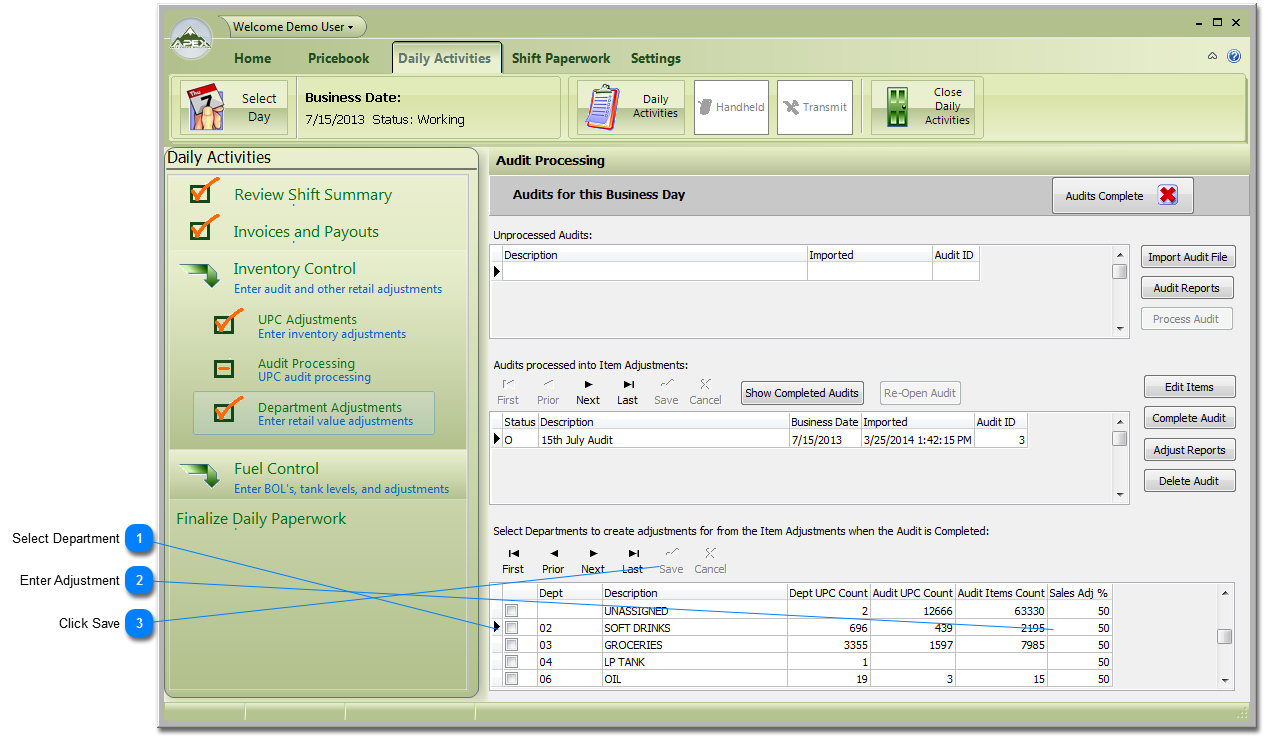
Department Adjustments are for compensating counts to when the Audit was taken. My Pricebook applies Audit counts to the end of the day. Adjustments should be applied to estimate correct totals. As an example, if the audit was completed one third the way through a day then you know that probably two thirds or 66% of the day's sales happened after the Audit. To make the audit count more accurate for the day, a Sales Adjust Factor of 66 (which means 66%) should be applied. The system will add 66% average daily sales value to the Audit to keep it accurate to the end of the day in which the Audit is applied.
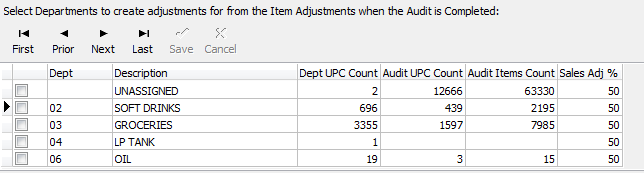
Enter the percentage adjustment in the 'Sales Adj %' column. They entry is in whole numbers. Example: 55=55%. Do this for all the Departments you want to adjust.